

If your website runs on WordPress, any other content management system, or custom PHP code, it is time to check your server settings. The PHP development team has announced an emergency, out-of-band security release to patch two critical flaws carrying a high severity rating of 9.2 out of 10.
The official fixes are scheduled for release on October 21 at 14:00 UTC.
What Is the Problem and Why Did It Happen?
Security vulnerabilities usually appear in plugins, third-party libraries, or themes. This time, however, the issue lies directly within the core PHP engine, which powers a significant portion of the web.
Preliminary reports point to a memory management bug known as a Use-After-Free condition:
- When a user uploads a file, PHP can track its upload progress and allocate temporary memory on the server for that task.
- Due to an internal flaw, the PHP engine may try to access that memory block even after it has already been freed.
- A remote attacker could send a specially crafted file-upload request, place custom instructions into that freed memory, and potentially trigger Remote Code Execution (RCE). This allows arbitrary commands to run on the server without requiring any admin login or password.
Who Is Affected?
Virtually any internet-facing web server running PHP is potentially exposed.
The risk is especially high if:
- You manage your own Virtual Private Server (VPS) or dedicated server and handle software updates manually.
- Your website still runs on older, end-of-life PHP versions (such as PHP 7.4, 8.0, or 8.1), which no longer receive official security patches.
What to Do Right Now: 3 Simple Steps
There is no need to panic, but automated vulnerability scanners often start probing networks shortly after public disclosure.
1. If You Use Shared Hosting
Most managed hosting providers deploy core security patches automatically. Send a quick message to customer support:
“Hello! Will you be applying the latest PHP security patches to the servers today following the 14:00 UTC release?”
2. If You Run a VPS or Cloud Server
Prepare to update your packages via your system package manager (e.g., apt update && apt upgrade) or rebuild your Docker containers using newly published official base images once they appear.
3. Quick Temporary Mitigation (If You Have Access to php.ini)
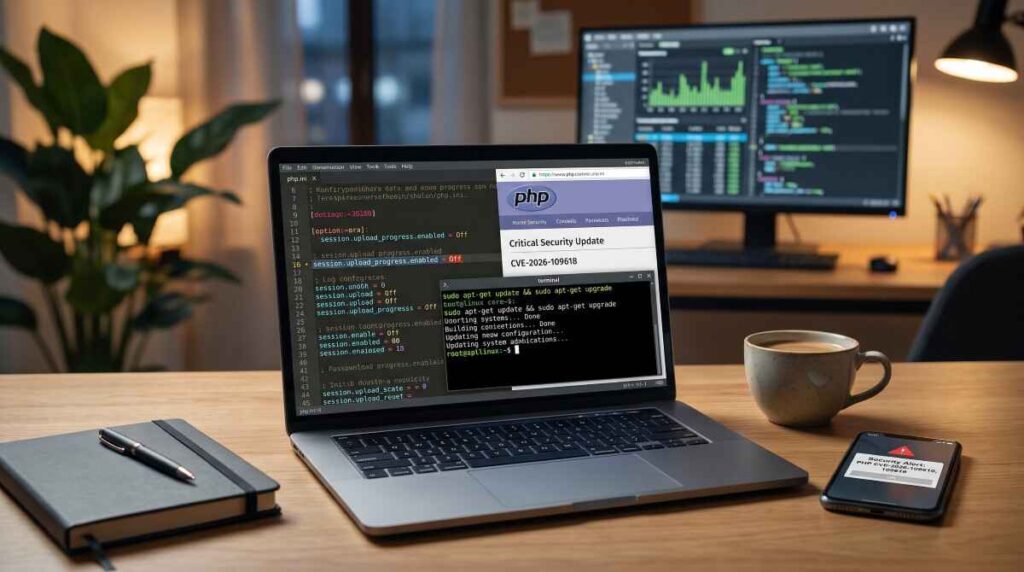
Because the suspected attack vector involves the file upload progress mechanism, you can disable this specific feature in your php.ini file before the official patch is installed:
Ini, TOML
session.upload_progress.enabled = Off
After saving the file, restart your PHP-FPM service or web server. For 99% of websites, disabling this directive causes no disruption to standard functionality.
Where to Track the Release
Detailed patch notes, affected version lists, and changelogs are published directly on the project’s official portal: